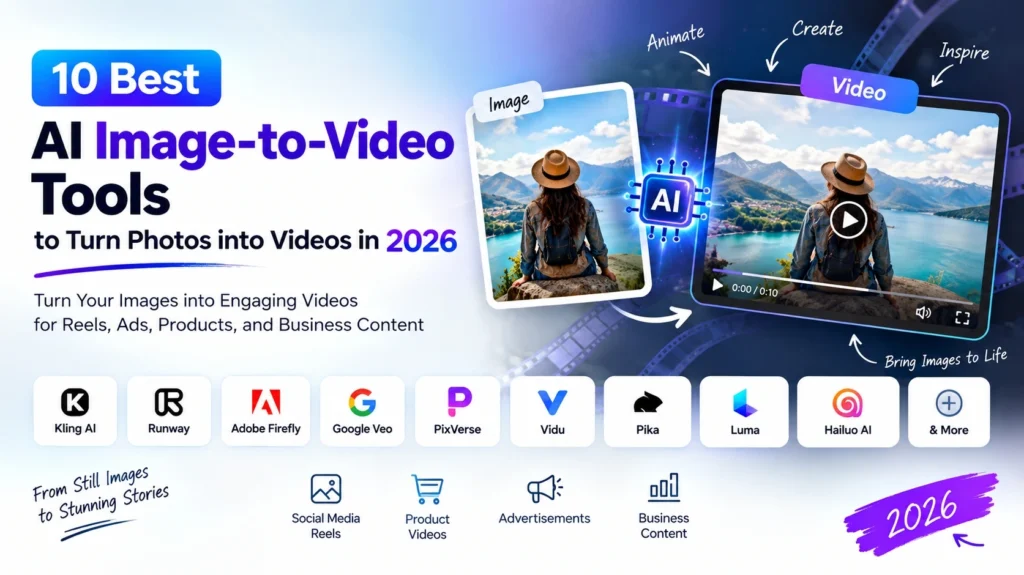
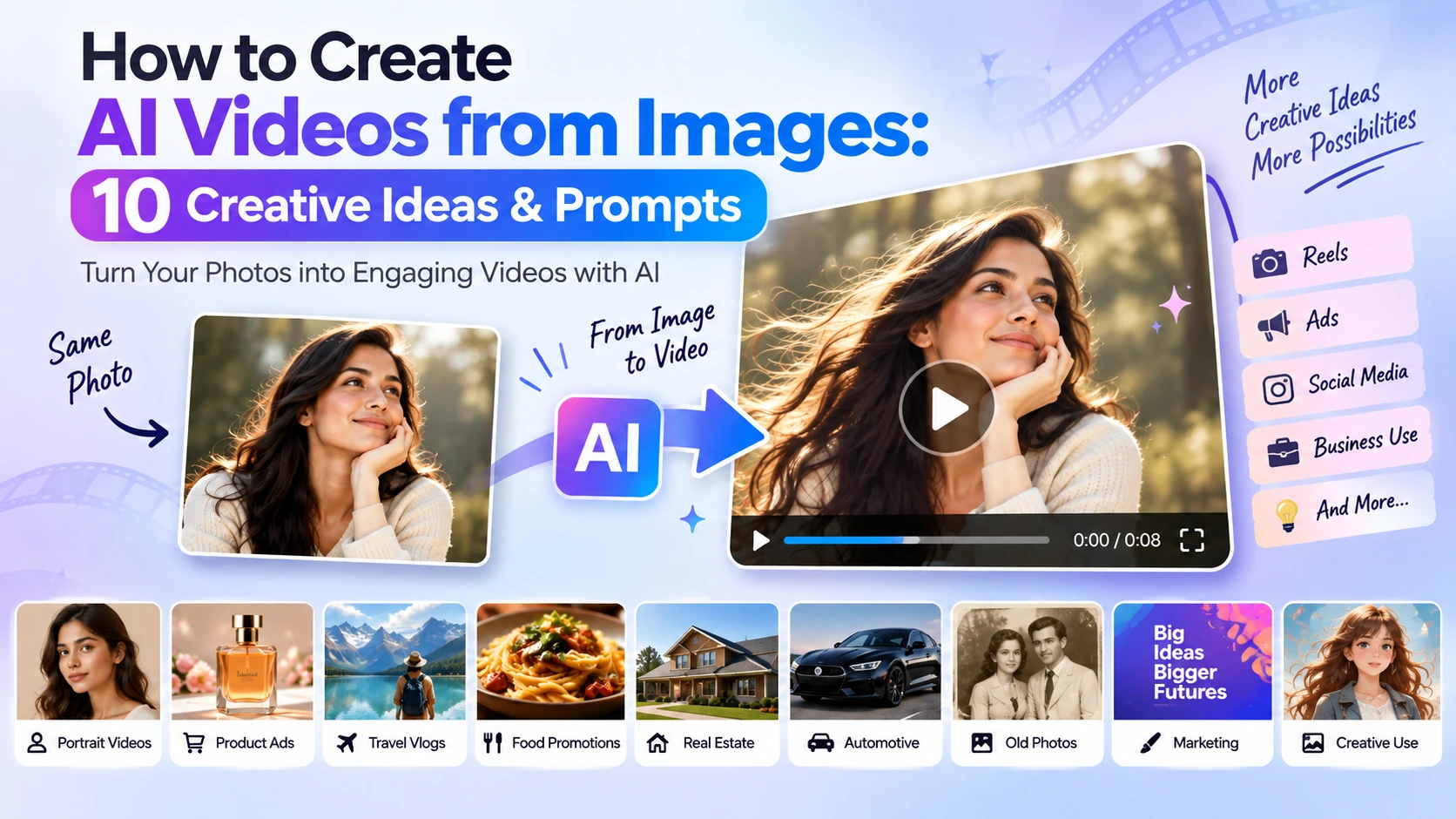
A single image can now become much more than a static picture. With Image to AI Video, you can turn portraits, product photos, travel pictures, illustrations, and marketing creatives into short videos with camera movement, animation, environmental effects, and cinematic motion.
This makes image-to-video useful not only for experimenting with AI but also for Instagram Reels, social media content, product promotions, advertisements, presentations, and business marketing. Current AI video tools such as Kling and Runway provide image-to-video workflows where the uploaded image acts as the starting frame and the prompt controls what happens next.
In this guide, you’ll learn how to create AI videos from images and 10 creative prompts you can try yourself.
What Is Image to AI Video?
Image to AI video is a technology that transforms a still image into a short video using artificial intelligence.
You upload an image and provide a text prompt describing the movement you want. The AI then generates a video based on the original image.
For example, you could upload:
- A portrait → create a subtle head or hair movement
- A product photo → create a cinematic product advertisement
- A landscape → animate clouds, water, or trees
- A food photo → create a slow camera movement around the dish
- A fashion image → create a short promotional video
The important part is that your image establishes the scene, while the prompt mainly tells the AI what should move and how the camera should behave.
How to Create an AI Video from an Image
The basic process is simple.
Step 1: Choose a Good Image
Start with a clear, high-quality image.
Your image can be a:
- Portrait
- Product photograph
- Travel photograph
- Food photograph
- Fashion image
- Illustration
- Brand creative
A high-quality starting image is important because blurry details or visual problems can become more noticeable when the image is animated.
Step 2: Upload the Image to AI Video Generator
Choose an AI video platform that supports image-to-video generation.
Popular options include tools such as Kling AI, Runway and other AI video generators.
Kling’s current workflow, for example, allows users to provide an image and describe the desired movement to generate a video.
Step 3: Write a Motion-Focused Prompt
This is where many beginners make a mistake.
You don’t need to describe everything already visible in your image. Instead, focus on:
- What should move?
- How should it move?
- What should the camera do?
- How fast should the movement be?
For example:
“The subject slowly turns toward the camera while her hair moves gently in the breeze, subtle cinematic camera push-in.”
This gives the AI specific instructions instead of simply saying “make this image move.” Runway and Kling both emphasize clear, specific motion instructions for image-to-video prompting.
10 Creative AI Image-to-Video Ideas & Prompts
1. Turn a Portrait into a Cinematic Video
A simple portrait can become a short cinematic clip.
Prompt:
“The subject slowly turns toward the camera and blinks naturally, hair moving gently in a soft breeze, subtle cinematic push-in, smooth realistic motion, camera remains steady.”
Best for: Instagram Reels, profile videos and creative social content.
2. Turn a Product Photo into an Advertisement
Businesses can use existing product photographs to create short promotional videos without starting from a full video shoot.
Prompt:
“The product remains perfectly still while the camera slowly moves around it, soft reflections travel across the surface, subtle studio lighting changes, premium commercial advertisement style.”
Product-photo-to-video workflows are already being used for product advertisements, social content and marketing visuals.
Best for: E-commerce, product ads and social media marketing.
3. Create a Fashion Reel from One Photo
Turn a fashion photograph into a short social-media clip.
Prompt:
“The subject gently shifts her pose while the fabric moves naturally in the breeze, camera slowly tracks from left to right, smooth fashion editorial movement.”
Best for: Fashion brands, influencers and Instagram Reels.
4. Animate a Travel Photograph
Give a static travel photograph a sense of movement.
Prompt:
“Clouds slowly move across the sky while trees and surrounding vegetation sway gently in the wind, camera slowly pushes forward, natural cinematic movement.”
Best for: Travel creators, tourism businesses and social media posts.
5. Turn Food Photography into a Short Video
Food brands and restaurants can animate static food photographs.
Prompt:
“A gentle camera push-in toward the dish, steam rises naturally from the food, subtle highlights move across the surface, warm cinematic restaurant lighting.”
Best for: Restaurants, cafés, food brands and delivery businesses.
6. Create a Real Estate Property Video
A single property photograph can become a short promotional clip.
Prompt:
“The camera slowly moves forward toward the property, trees and plants move gently in the breeze, natural daylight remains consistent, smooth professional real estate presentation.”
Best for: Real estate agencies, property developers and property listings.
7. Bring an Old Photograph to Life
Historical or family photographs can be given subtle movement.
Prompt:
“The subjects make very subtle natural movements and gently blink, clothing moves slightly in a soft breeze, realistic motion, camera remains locked and the original appearance is preserved.”
Best for: Personal projects, family memories and creative storytelling.
8. Create a Cinematic Car Video
A static automobile photograph can become a dynamic automotive clip.
Prompt:
“The camera slowly moves around the vehicle from front to side, reflections glide naturally across the body, subtle environmental movement, premium automotive commercial style.”
Best for: Car dealerships, automobile brands and social media advertising.
9. Animate a Brand Poster or Marketing Creative
Businesses can turn a static promotional design into a short social-media video.
Prompt:
“The camera slowly pushes toward the central subject, background elements move subtly, light gradually shifts across the composition, clean premium advertising motion.”
Best for: Digital marketing campaigns, social media posts and promotional creatives.
10. Create a Product Launch Video
Use a product image to create a short launch announcement.
Prompt:
“The product slowly rotates while the camera performs a smooth cinematic orbit, subtle light sweep across the product surface, premium product launch commercial, elegant controlled motion.”
Best for: New product launches, advertisements, websites and social media campaigns.
Tips for Better AI Video Results
Use a high-quality image
The better your starting image, the easier it is to produce a clean result.
Start with simple movement
Don’t ask the AI to animate everything at once.
Start with one main movement and refine it.
Describe the camera movement
Words such as:
- Slow push-in
- Camera pan
- Orbit
- Tracking shot
- Static camera
- Slow zoom
can help communicate how the camera should behave.
Keep the movement realistic
A small amount of natural movement often works better than asking every object in the image to move simultaneously.
Experiment with prompts
AI video generation is not perfectly deterministic. If the first result isn’t what you expected, simplify the prompt or change the movement instruction and generate another version.
Final Thoughts
AI image-to-video tools are making it easier to transform a single photograph into engaging video content. Whether you’re creating a social media Reel from a portrait, a product advertisement from an e-commerce photo, or a promotional video for your business, the basic workflow remains simple: choose a good image, describe the movement clearly, generate the video, and refine the result.
The biggest difference comes from the prompt. Instead of describing everything already visible in the image, focus on what should move, how it should move, and how the camera should behave.
With the right image and a clear motion prompt, even a single static photo can become the starting point for engaging AI-generated video content.
Looking for the right tool to create your video? Explore our guide to the [10 Best AI Image-to-Video Tools to Turn Photos into Videos in 2026] to compare different tools and find the right option for your needs.